> ## Documentation Index
> Fetch the complete documentation index at: https://docs.featpaper.com/llms.txt
> Use this file to discover all available pages before exploring further.
# Upload from Figma
> Learn how to export designs directly from Figma to FeatPaper.
## What is the Figma Plugin?
The Figma plugin allows you to export designs created in Figma directly to FeatPaper.
Without converting design files to PDF or downloading them separately, you can turn them into shareable documents right within Figma.
The Figma plugin is available on the **Pro plan** and above.
***
## Installation
Use the link below to go directly to the FeatPaper plugin page.
**[Install FeatPaper Figma Plugin](https://www.figma.com/community/plugin/1326016838560913134/interactive-pdf-featpaper-presentations-pitchdeck-slides-proposal-portfolios-pptx-decks)**
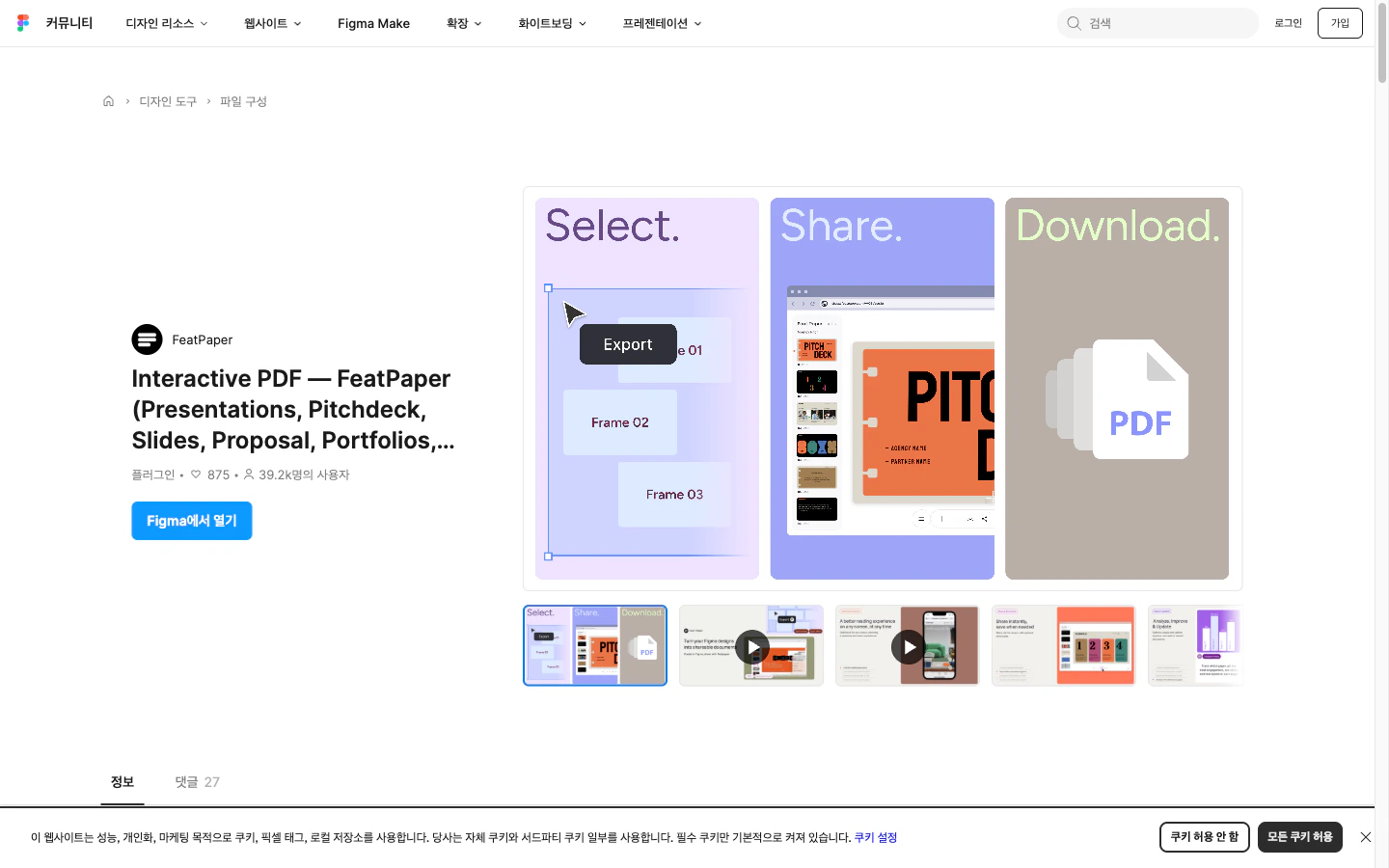 Click the **Install** button on the FeatPaper plugin page.
Open a Figma file and right-click > **Plugins** to verify that FeatPaper appears in the list.
Register it as a frequently used plugin for quick access.
***
## How to Use
Select the frames or pages you want to export to FeatPaper.
Right-click > **Plugins > FeatPaper**, or launch the plugin from the top menu.
Log in with your FeatPaper account and select the workspace and folder for upload.
Click the **Export** button to upload the selected frames as a document to FeatPaper.
***
## Supported Content
The Figma plugin can convert various types of designs into FeatPaper documents.
| Content Type | Use Cases |
| ----------------------- | --------------------------------------------------- |
| **Presentations** | Design mockup presentations, client reviews |
| **Portfolios** | Share a collection of work via link |
| **UI/UX Designs** | Screen specifications, wireframe sharing |
| **Brand Guides** | Brand asset and guideline documentation |
| **Marketing Materials** | Sharing visual assets such as banners and card news |
Each frame is converted into one page of the document. Frame order follows the layer order in Figma.
***
## Troubleshooting
* Try refreshing the Figma desktop app or browser.
* Uninstall and reinstall the plugin.
* Check the plugin permissions for your Figma account.
* Verify that the frames to export are correctly selected.
* Hidden layers are excluded from the export.
***
## Next Steps
Learn how to export content from Adobe Express.
Learn how to export documents from PowerPoint.
Click the **Install** button on the FeatPaper plugin page.
Open a Figma file and right-click > **Plugins** to verify that FeatPaper appears in the list.
Register it as a frequently used plugin for quick access.
***
## How to Use
Select the frames or pages you want to export to FeatPaper.
Right-click > **Plugins > FeatPaper**, or launch the plugin from the top menu.
Log in with your FeatPaper account and select the workspace and folder for upload.
Click the **Export** button to upload the selected frames as a document to FeatPaper.
***
## Supported Content
The Figma plugin can convert various types of designs into FeatPaper documents.
| Content Type | Use Cases |
| ----------------------- | --------------------------------------------------- |
| **Presentations** | Design mockup presentations, client reviews |
| **Portfolios** | Share a collection of work via link |
| **UI/UX Designs** | Screen specifications, wireframe sharing |
| **Brand Guides** | Brand asset and guideline documentation |
| **Marketing Materials** | Sharing visual assets such as banners and card news |
Each frame is converted into one page of the document. Frame order follows the layer order in Figma.
***
## Troubleshooting
* Try refreshing the Figma desktop app or browser.
* Uninstall and reinstall the plugin.
* Check the plugin permissions for your Figma account.
* Verify that the frames to export are correctly selected.
* Hidden layers are excluded from the export.
***
## Next Steps
Learn how to export content from Adobe Express.
Learn how to export documents from PowerPoint.