
What Is a Lead Form?
A lead form is a form that viewers must fill out before accessing a document. You can collect visitor information such as names and email addresses and manage it alongside document analytics data.Adding a Lead Form
1
Open the Motion Editor
From the document detail page, click the Edit document button to open the Motion Editor.
2
Click Add Leadform
In the left sidebar, click the Add Leadform button to create a lead form.
Setting the Form Position
The lead form marker appears between page thumbnails in the left sidebar. Drag the marker to move it between the desired pages.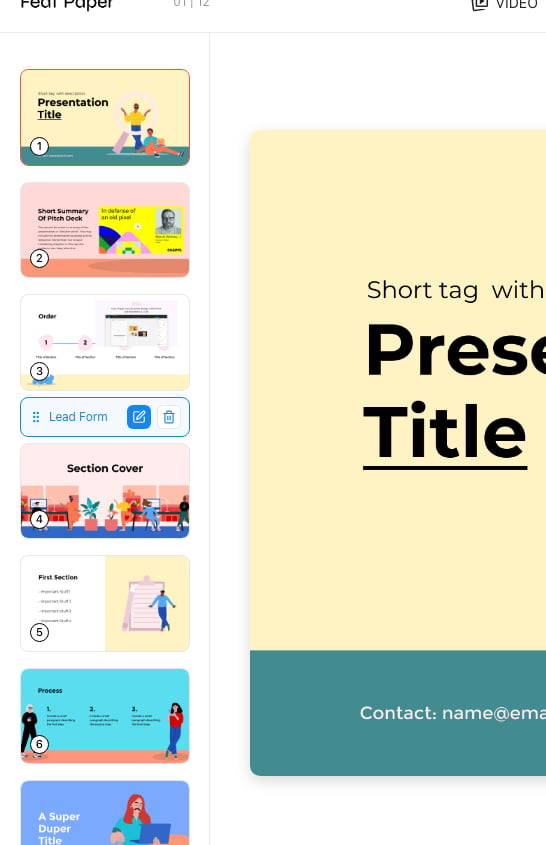
Adjust the lead form marker position in the left page list
Configuring the Form
Selecting the lead form opens a settings panel on the right side.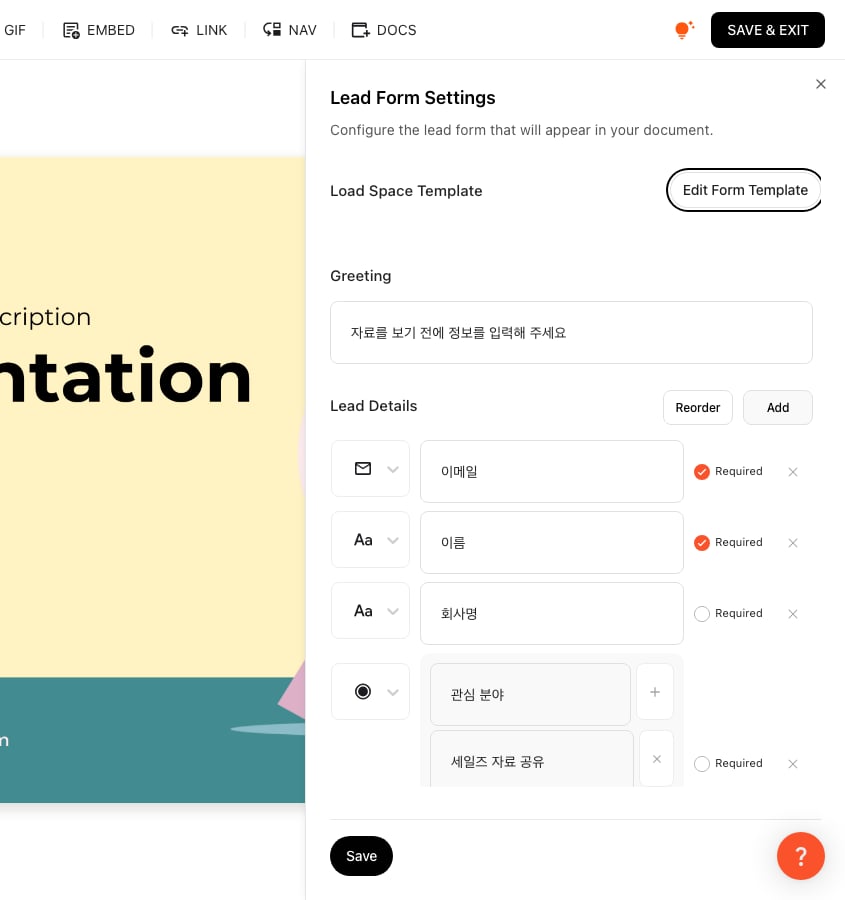
Lead form settings panel in the Motion Editor
Load from Templates
You can load lead form templates saved in your space. Saving frequently used form configurations as templates makes repeated setup convenient.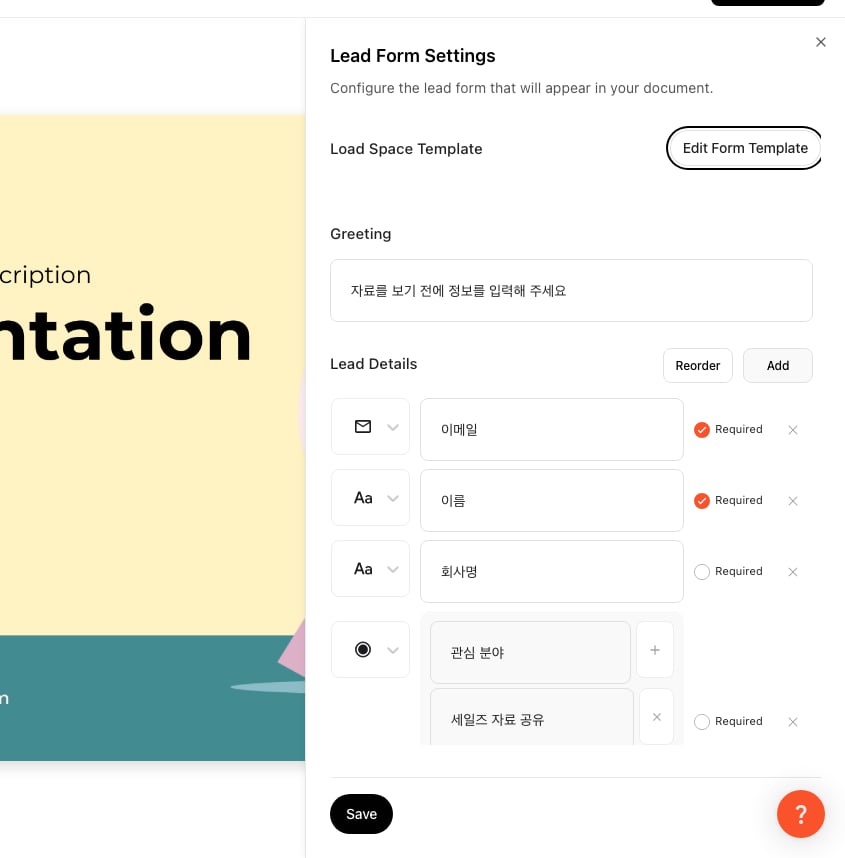
Lead form settings panel in the Space setting
Title and Description
- Title: Enter the title displayed at the top of the form.
- Description: Enter a purpose statement or instruction text for the form.
Adding Fields
You can add the following field types: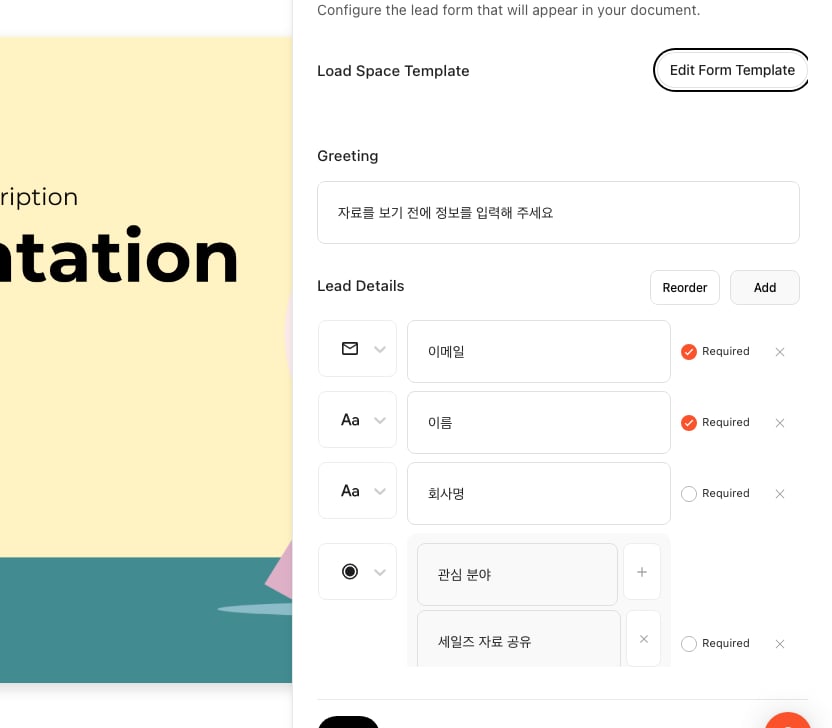
Configure email, text, checkbox, and radio fields in the field area
Required Field Setting
Toggle the required setting on a field to make it mandatory for viewers to fill in.Agreement Text
You can add legal text such as consent for personal data collection.Viewer Experience
When a viewer opens a document with a lead form, the form is displayed at the configured position. The viewer must complete the form to access the subsequent pages.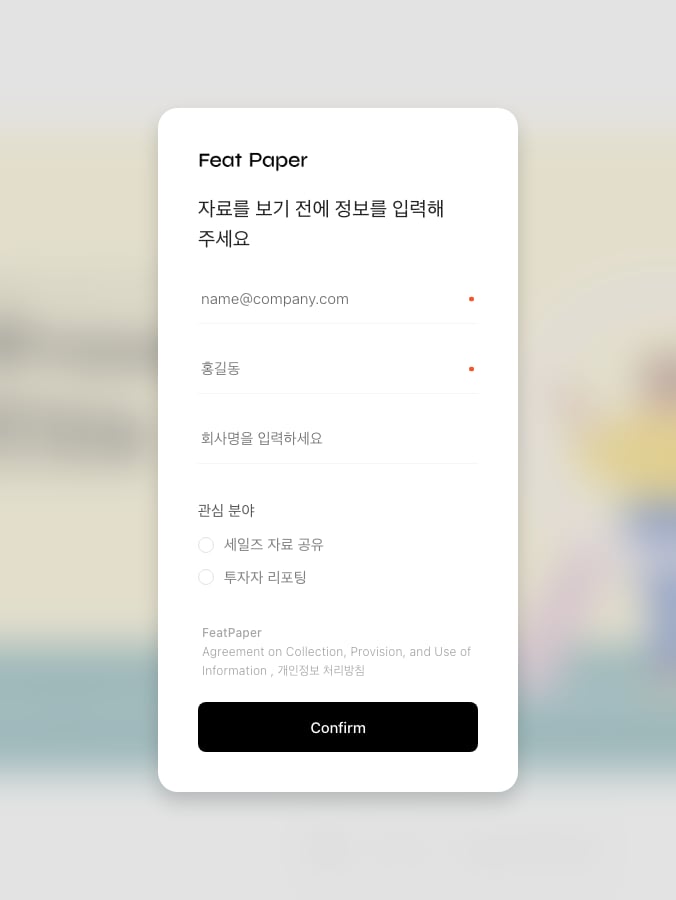
This is the lead form visitors see in the viewer
Collected information can be reviewed on the document analytics page.