
What is the PowerPoint Plugin?
The PowerPoint plugin allows you to upload presentation files directly from PowerPoint to FeatPaper. You can instantly export documents you are working on without saving files separately and uploading them through the web.Installation
1
Visit Microsoft AppSource
Use the link below to go directly to the FeatPaper plugin page.Install FeatPaper PowerPoint Plugin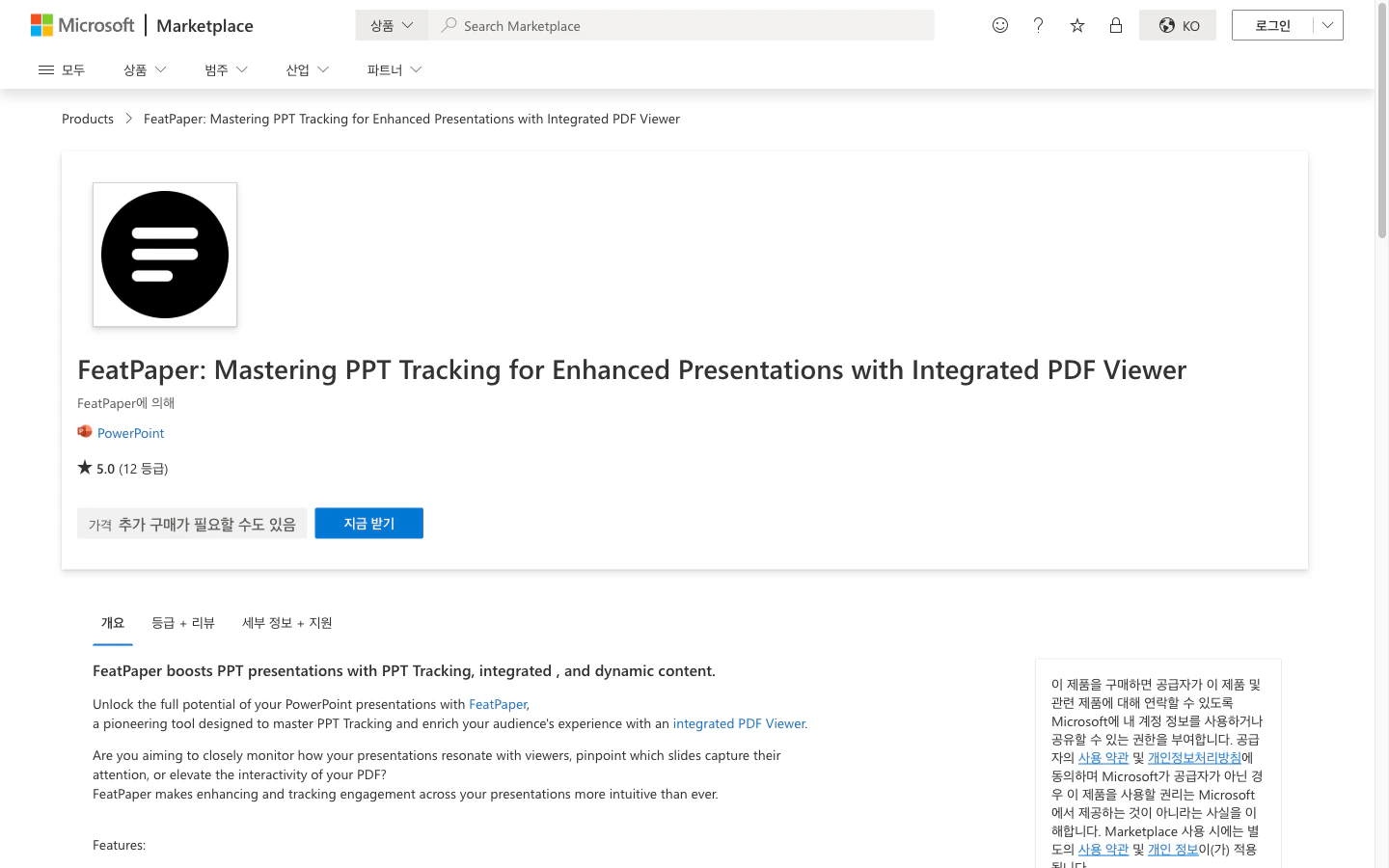
FeatPaper plugin page on Microsoft AppSource
2
Click Add
Click the Get it now button on the FeatPaper plugin page to install it.
3
Verify in PowerPoint
Open PowerPoint and check that FeatPaper is installed under Insert > Add-ins.
How to Use
1
Open the Plugin
Click the FeatPaper plugin in the PowerPoint ribbon menu.
2
Log In
Log in with your FeatPaper account. If you are already logged in, skip this step.
3
Select Workspace and Folder
Select the workspace and folder where you want to upload the document.
4
Export
Click the Export button to upload the current presentation to FeatPaper.
Supported Features
After exporting, you can proceed with additional tasks such as creating share links and configuring viewing settings in the FeatPaper dashboard.
Troubleshooting
- Plugin Not Visible
- Export Fails
- Try closing and restarting PowerPoint.
- Check that FeatPaper is enabled under Insert > Add-ins > My Add-ins.
- If your organization restricts add-in installations, contact your IT administrator.
Next Steps
Figma Plugin
Learn how to export designs from Figma to FeatPaper.
Upload Your First Document
Also learn how to upload documents directly from the web.