
Folder-Based Permission Structure
In FeatPaper, document access permissions follow the permissions of the folder the document belongs to. Individual permission settings per document are not currently supported. Team members invited to a folder can access all documents within that folder.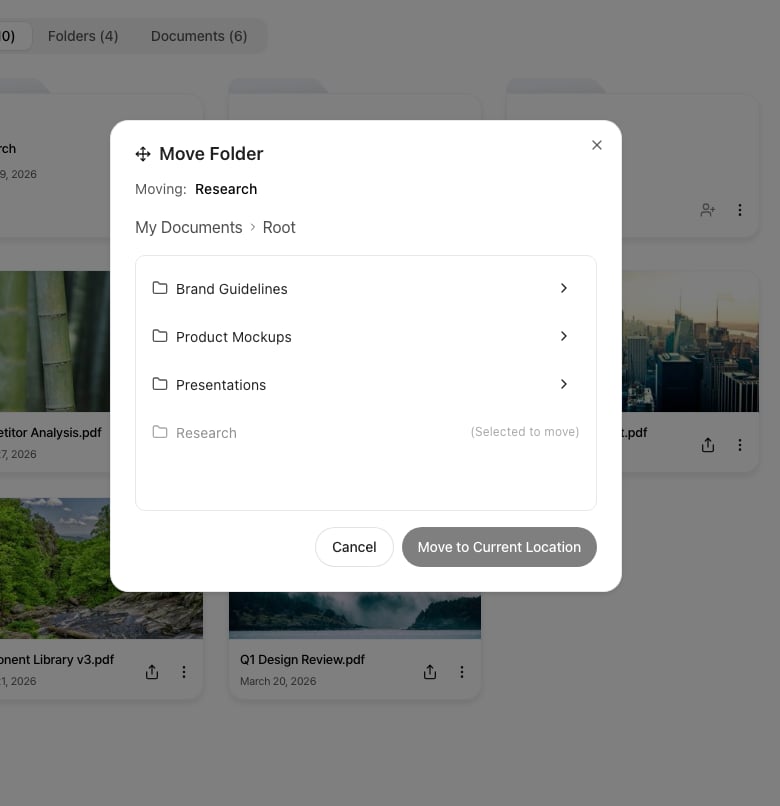
When you move a document to another folder, the destination folder's permissions apply
Folder Permission Types
Two permission levels can be assigned to team members invited to a folder.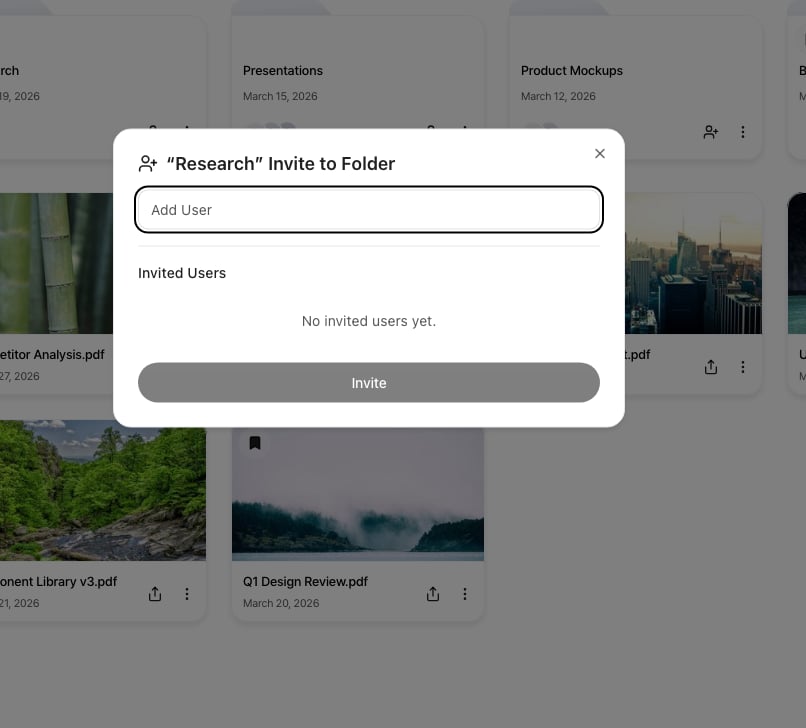
Assign view (can view) or edit (can edit) permissions to team members in the folder invite dialog
Share Links and Access Permissions
Sharing documents externally via share links is separate from folder access permissions.- Share links: Anyone with the link can view the document. (Lead capture forms can be configured.)
- Folder permissions: Controls the scope of dashboard access for team members within the workspace.
Per-Document Access Control (Coming Soon)
A feature to restrict document viewers per document is under development. Both whitelist (allow only specific users) and blacklist (block specific users) methods will be supported, and can be configured from the Settings panel on the document detail page.