
What is the Figma Plugin?
The Figma plugin allows you to export designs created in Figma directly to FeatPaper. Without converting design files to PDF or downloading them separately, you can turn them into shareable documents right within Figma.Installation
1
Visit Figma Community
Use the link below to go directly to the FeatPaper plugin page.Install FeatPaper Figma Plugin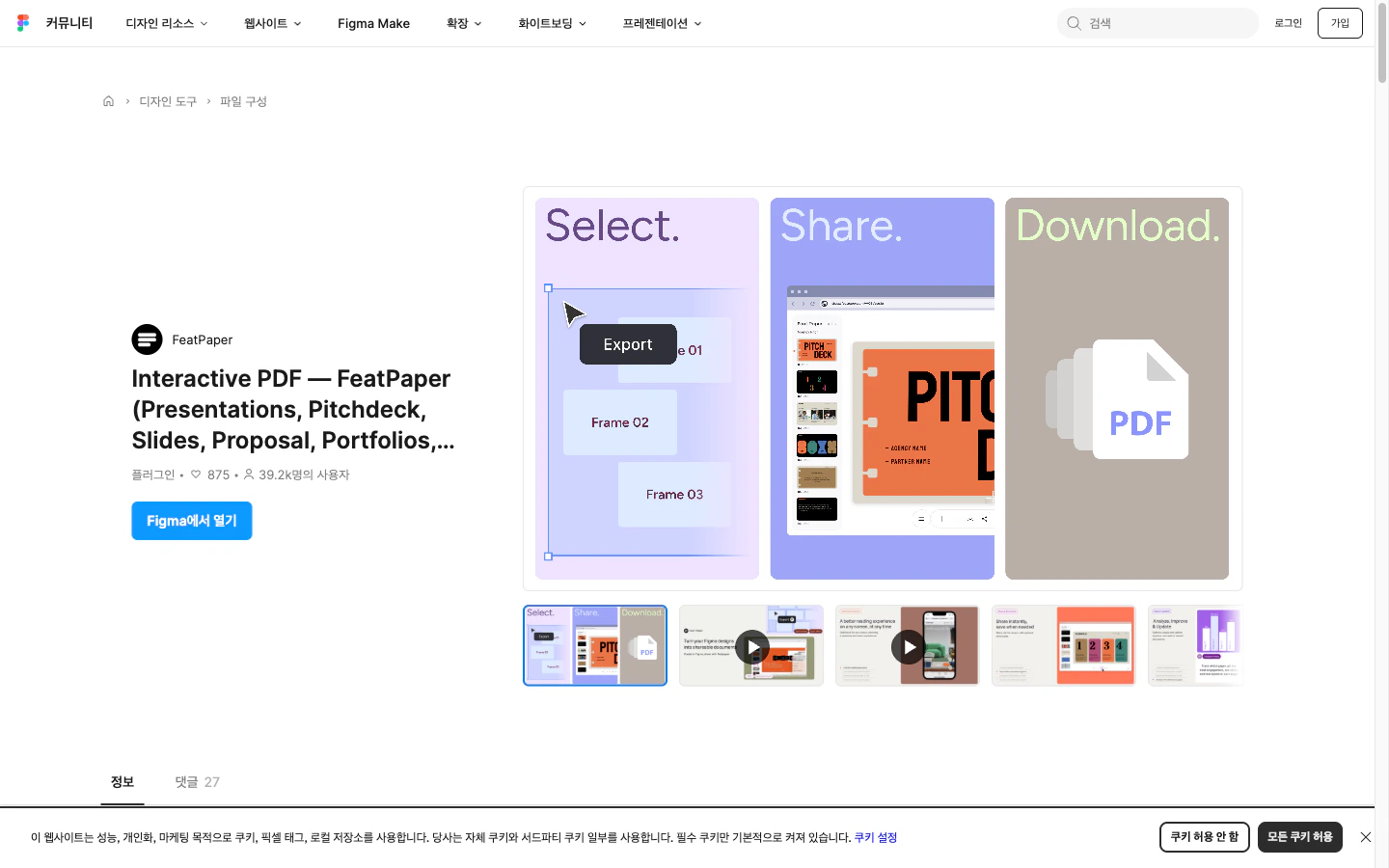
FeatPaper plugin page on Figma Community
2
Install the Plugin
Click the Install button on the FeatPaper plugin page.
3
Verify Installation
Open a Figma file and right-click > Plugins to verify that FeatPaper appears in the list.
How to Use
1
Select Frames to Export
Select the frames or pages you want to export to FeatPaper.
2
Run the Plugin
Right-click > Plugins > FeatPaper, or launch the plugin from the top menu.
3
Log In and Configure
Log in with your FeatPaper account and select the workspace and folder for upload.
4
Export
Click the Export button to upload the selected frames as a document to FeatPaper.
Supported Content
The Figma plugin can convert various types of designs into FeatPaper documents.Each frame is converted into one page of the document. Frame order follows the layer order in Figma.
Troubleshooting
- Plugin Does Not Launch
- Frames Are Missing
- Try refreshing the Figma desktop app or browser.
- Uninstall and reinstall the plugin.
- Check the plugin permissions for your Figma account.
Next Steps
Adobe Express Plugin
Learn how to export content from Adobe Express.
PowerPoint Plugin
Learn how to export documents from PowerPoint.