
What is a Space?
A space is an independent work area in FeatPaper for managing documents and teams.Changing Space Settings
Navigate to Settings > Workspace in the sidebar to modify space information.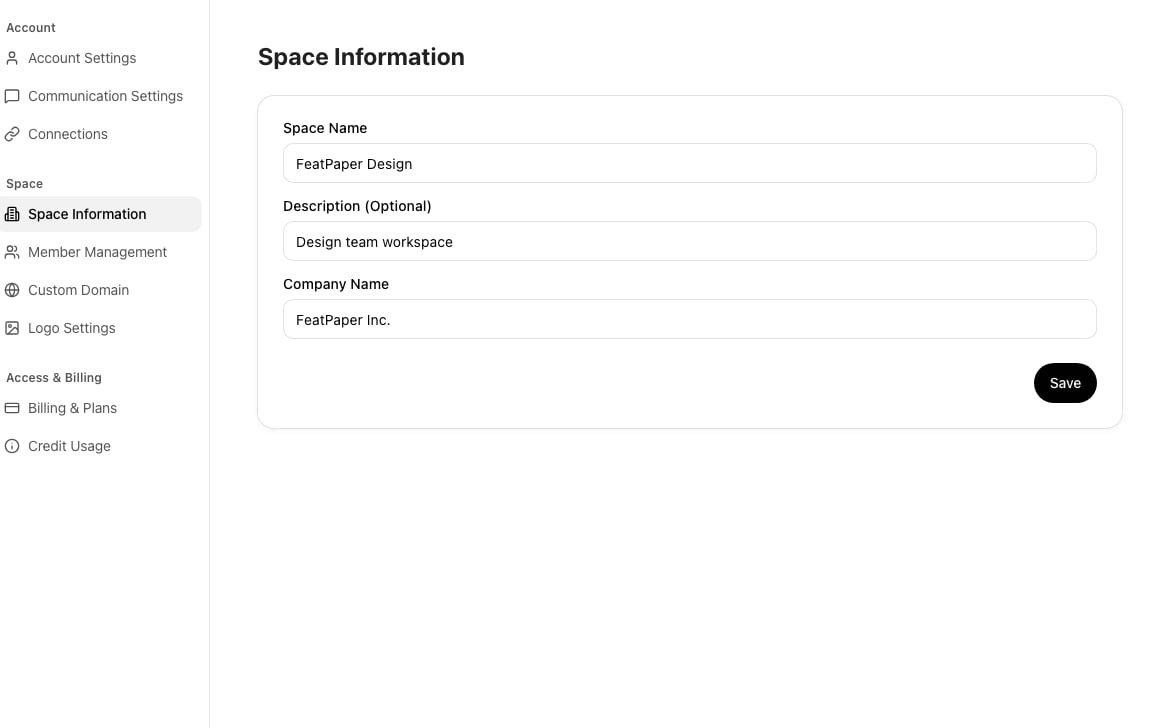
Manage space information in Settings > Workspace
The company name is also reflected in the shared link viewer, so make sure to enter accurate information for external use.
Switching Spaces
Click the current space name at the top of the sidebar to display a list of spaces you belong to. Select one to switch immediately.Next Steps
Branding Settings
Configure the logo, lead form, and communication channels displayed in the viewer.
Custom Domain
Connect your own domain to enhance brand consistency.