
Creating a Folder
Before uploading documents, you can create folders to keep your documents organized.1
Go to Documents
Click Documents in the sidebar to navigate to the document management screen.
2
Create a New Folder
Click the + Create button at the top right and select New Folder, then enter a folder name.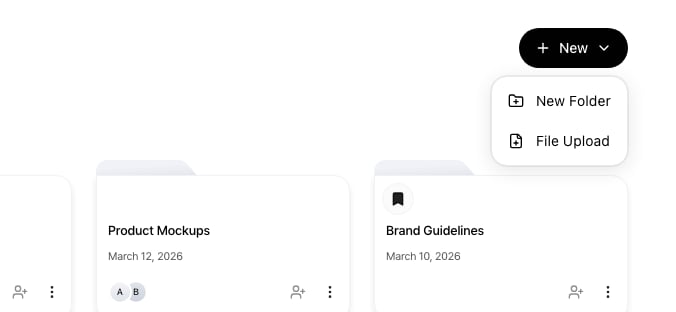
You can add a new folder or document from the + Create menu
Uploading Files
Upload files within a folder. When a folder has no documents, a dashed-border upload area is displayed in the center.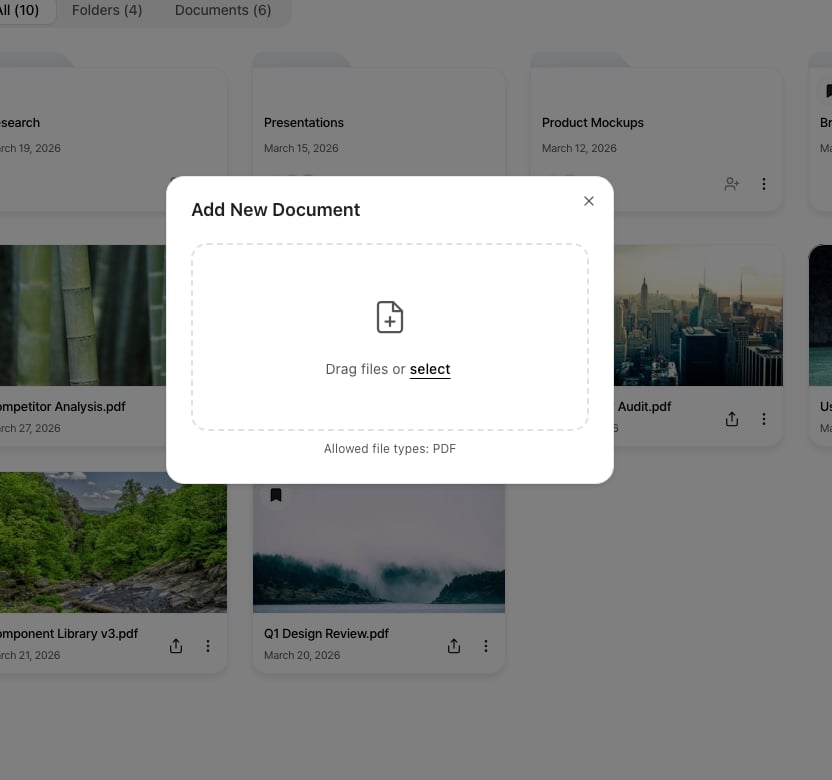
Drag a file into the upload area or click to select one
1
Select Files
Drag and drop files onto the upload area, or click the area to select files.
2
Upload in Progress
The file upload begins and progress is displayed. Once the upload is complete, the document is added to the document list.
After Upload
Once the upload is complete, you can proceed with the following actions on the document detail page: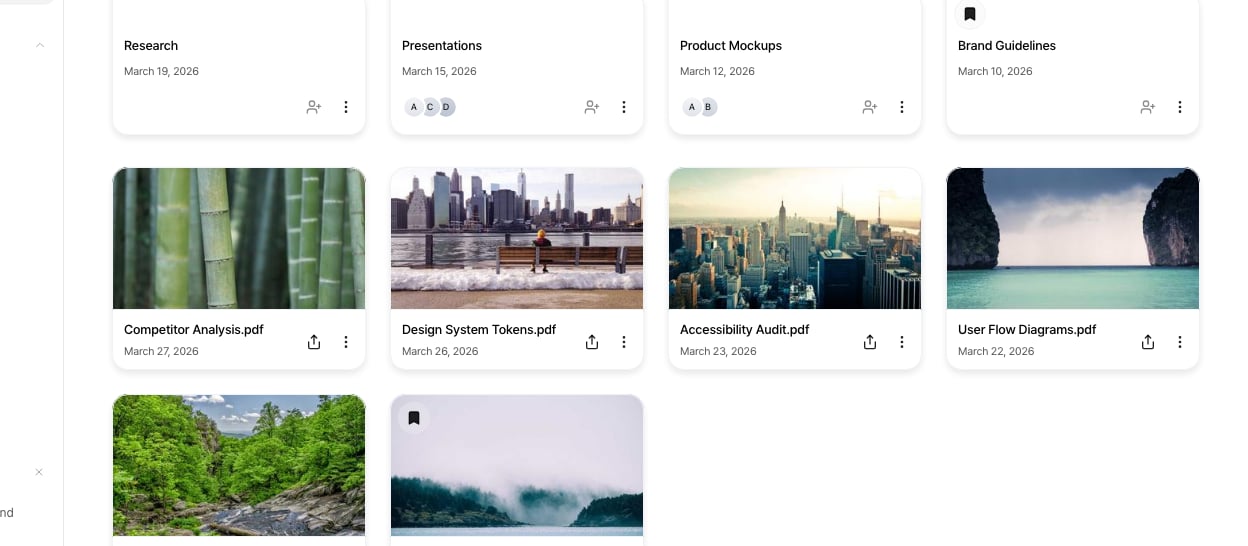
After upload, the new document appears in the document list
- Create a Sharing Link: Generate a secure link to share the document externally.
- Configure Viewing Settings: Allow or restrict downloads, set up CTA buttons, lead forms, and more.
- View Analytics: See who viewed the document, when, and which pages they read.
Next Steps
Manage Documents
Learn about viewing analytics and managing your uploaded documents.
Create a Sharing Link
Learn how to securely share documents and configure viewing permissions.